


PaperCut Partner Portal Access FAQ
This page applies to:

Last updated August 20, 2026
One of the perks of becoming a PaperCut reseller is access to our Partner Portal. It includes many valuable resources such as marketing materials, training & certification, manuals, and other tools to promote PaperCut like a pro.
If you’re a reseller with some questions about how to access the Portal, dive in because we have answers!
Getting Started
Q I don’t have a login to the PaperCut Portal. How do I get one?
Contact a teammate with Manage Users permissions and ask them to invite you to the PaperCut Portal. They can find the link in the Manage menu; select Manage > Manage Users > Invite User.
If they do not have access to this menu, they don’t have the correct permissions to invite users. In this case, contact a member of your organization who manages your PaperCut Portal permissions or your Authorized Partner.
Once you’re invited, you will receive a Welcome to PaperCut email from customer.service@papercut.com as well as a Reset your password email from portal@papercut.com. Be sure to click this link to create a new password and register your login.
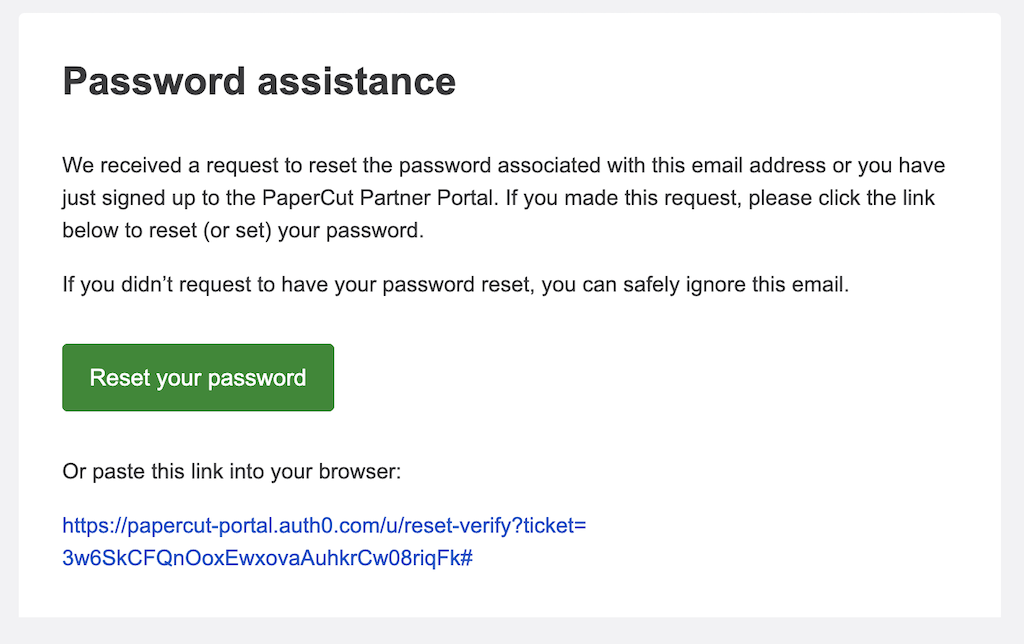
Once this is complete, you can go directly to the PaperCut Partner Portal to log in.
For issues, contact your Authorized Partner or the PaperCut Channel Operations team.
Q I would like to access your training portal to complete your Technical and/or Sales training. What do I do?
- If you don’t already have it, get access to the PaperCut Partner Portal via the steps above.
- Once you have a login, click the Training tile. This will transfer you to the PaperCut Training Hub.
- From the Training Hub Dashboard, you will see all the courses available for you to enroll in.
- Always access your the PaperCut Training Hub via the PaperCut Partner Portal or this link https://learn.papercut.com/
Login Issues
Incorrect Username or password
Q I haven’t logged into the portal for a while and my old login isn’t working anymore?
If you haven’t logged in to the portal for awhile, you may find that your old login no longer works.
Please contact your Authorized Partner directly for help as they may need to reactivate your account.
For any other issues, contact the PaperCut Channel Operations team.
Q I’m trying to log in with my email address but getting an Incorrect username or password error?
If you’ve registered a login with your email address since we updated our system in 2018, this likely means that you’ve forgotten your password. Please try the I forgot my password (or username) link to reset your password.
However, if you then get a This email does not exist error, this means you don’t actually have an active login for the Portal. Please see the Getting Started instructions above!
If you get an Internal Server Error, this means your login has been deactivated. Please contact your Authorized Partner to be reactivated.
Q I completed the registration process but still haven’t received my verification email
Sometimes we find that these emails get routed to Spam or Junk folders. If it’s not there, you might check with your IT Admin to see if it’s being held in quarantine. The emails come via customer.service@papercut.com and portal@papercut.com so they may need to add this to your email servers allow-list.
If you still can’t find it, contact your Authorized Partner directly for help.
For any other issues, contact the PaperCut Channel Operations team.
Password Reset
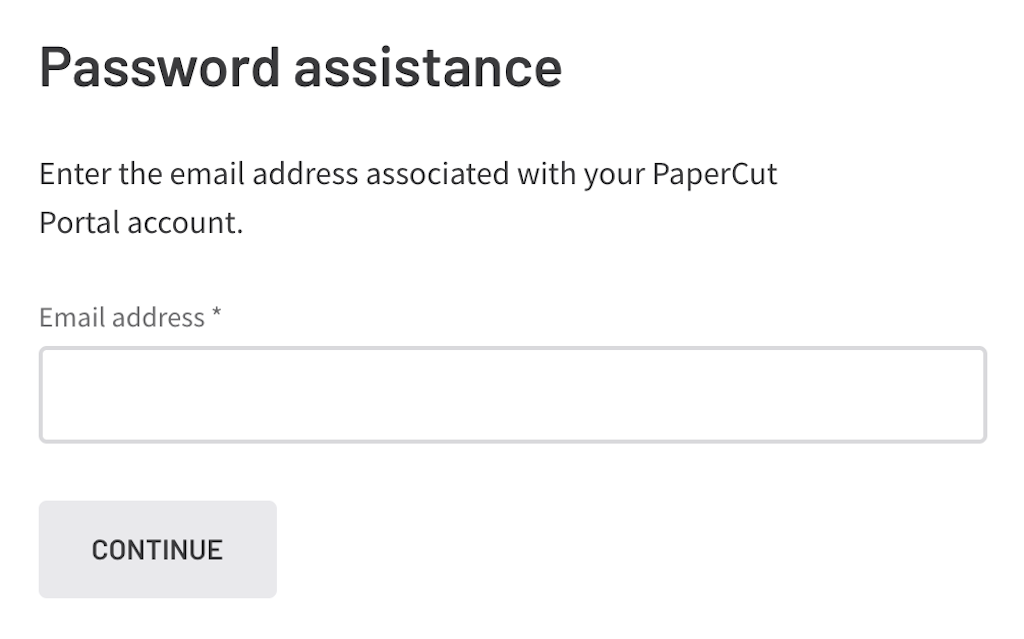
Q I can’t remember my password, how do I reset it?
You can reset your password via the I forgot my password (or username) link.
Q I’m trying to reset my password but am not receiving the reset email?
Sometimes we find that these emails get routed to Spam or Junk folders. If it’s not there, you might check with your IT Admin to see if it’s being held in quarantine. The emails come via portal@papercut.com so they may need to add this to your email servers allow-list.
If you still can’t find it, contact your Authorized Partner directly for help.
For any other issues, contact the PaperCut Channel Operations team.
Q I’m trying to reset my password but getting an error 'this email does not exist' - help!
I’m trying to reset my password but getting the error: This email does not exist in our system.
This error means you don’t actually have an active login for the Portal. Please see the Getting Started instructions above or contact your Authorized Partner directly for help.
For any other issues, contact the PaperCut Channel Operations team.
Category: Reference Articles
Subcategory: Sales and Licensing
Comments
Comments are not available in this preview environment. On papercut.com, this space shows the live Disqus comment thread for this page.