This page describes how to allow or prevent users from viewing attributes at the device. By default, PaperCut MF displays the following attributes of print jobs at the device:
Account
Balance
Cost
To allow or prevent users from viewing the attributes of print jobs at the device:
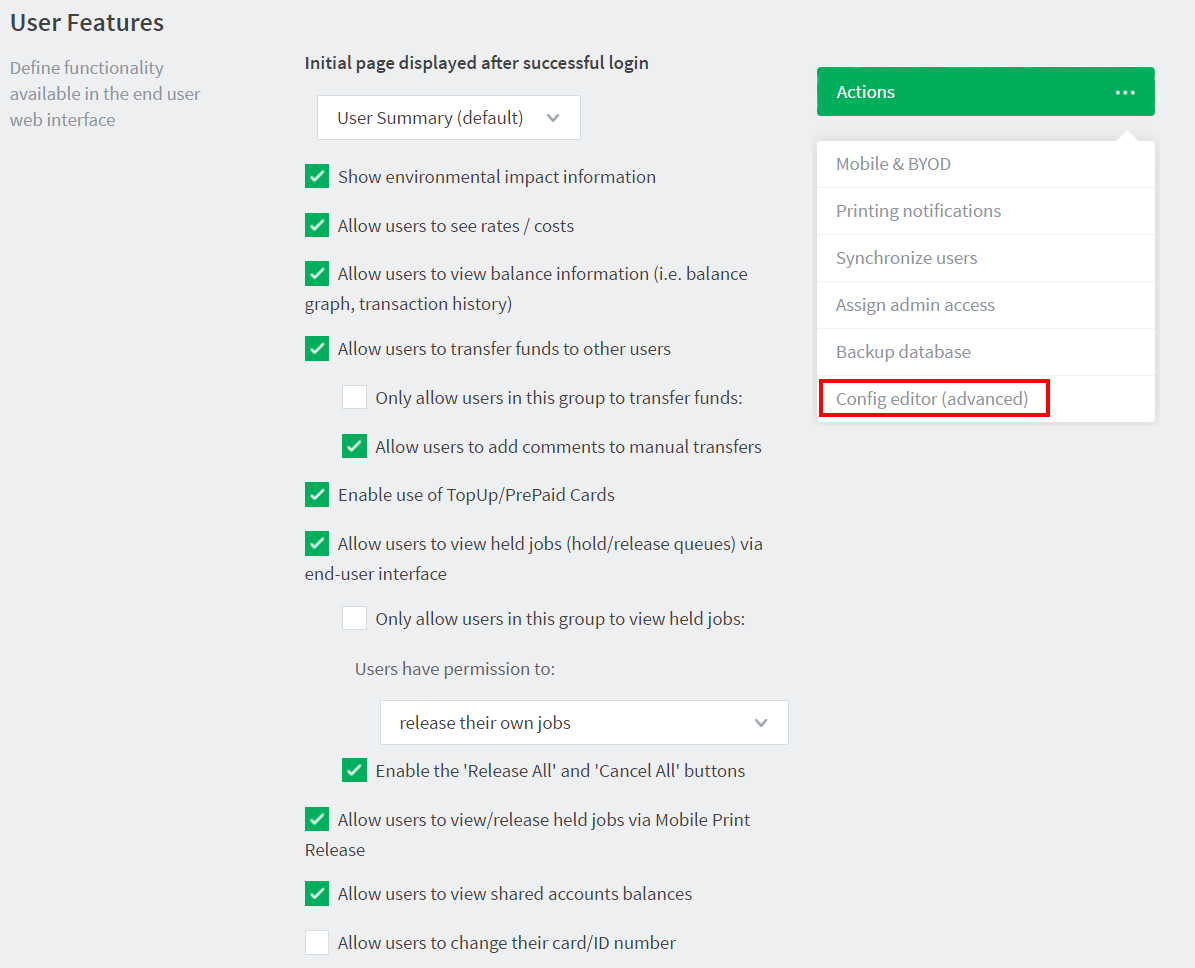
Click the Options tab. The General page is displayed.
In the Actions menu, click Config editor (advanced).
The Config Editor page is displayed.
Use the following config keys:
Account
Config name
Description
ext-device.show-print-job-account
Display the account of the print job.Values:
Y: display the account
N hide the account
DEFAULT: Y
Balance
Config name
Description
ext-device.show-print-job-account-balance
Display the balance of the account of the print job.Values:
Y: display the account balance
N: hide the account balance
DEFAULT: Y
Cost
Comments
Comments are not available in this preview environment. On papercut.com, this space shows the live Disqus comment thread for this page.





Comments
Comments are not available in this preview environment. On papercut.com, this space shows the live Disqus comment thread for this page.