




This page describes what happens when an organization’s PaperCut Hive or Pocket subscription has expired, including what users experience when they try to print.
To keep your PaperCut environment running smoothly, your organization needs at least one active subscription. Find out more in About subscriptions and trials for PaperCut Hive and Pocket.
If the subscription expires, or if your organization has multiple subscriptions and the last one expires, end-users will not be able to securely release their print jobs. They will still be able to perform basic native device functions, such as copying, and use other PaperCut functionality, like Integrated Scanning for PaperCut Hive.
What will users see when the subscription expires?
When a subscription expires, PaperCut Secure Print Release will not work. When a user tries to release a print job, on the copier’s touchscreen, they’ll see a message explaining that they can’t release the job.
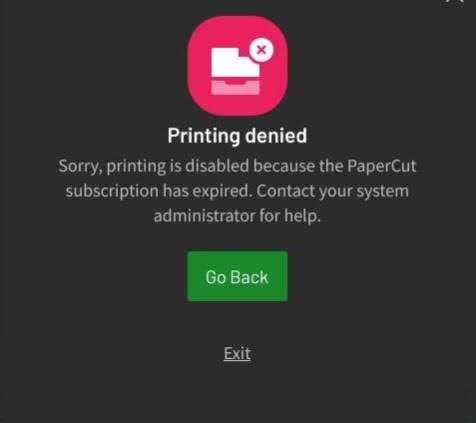
If the user releases a job from the mobile application, they’ll see this message:
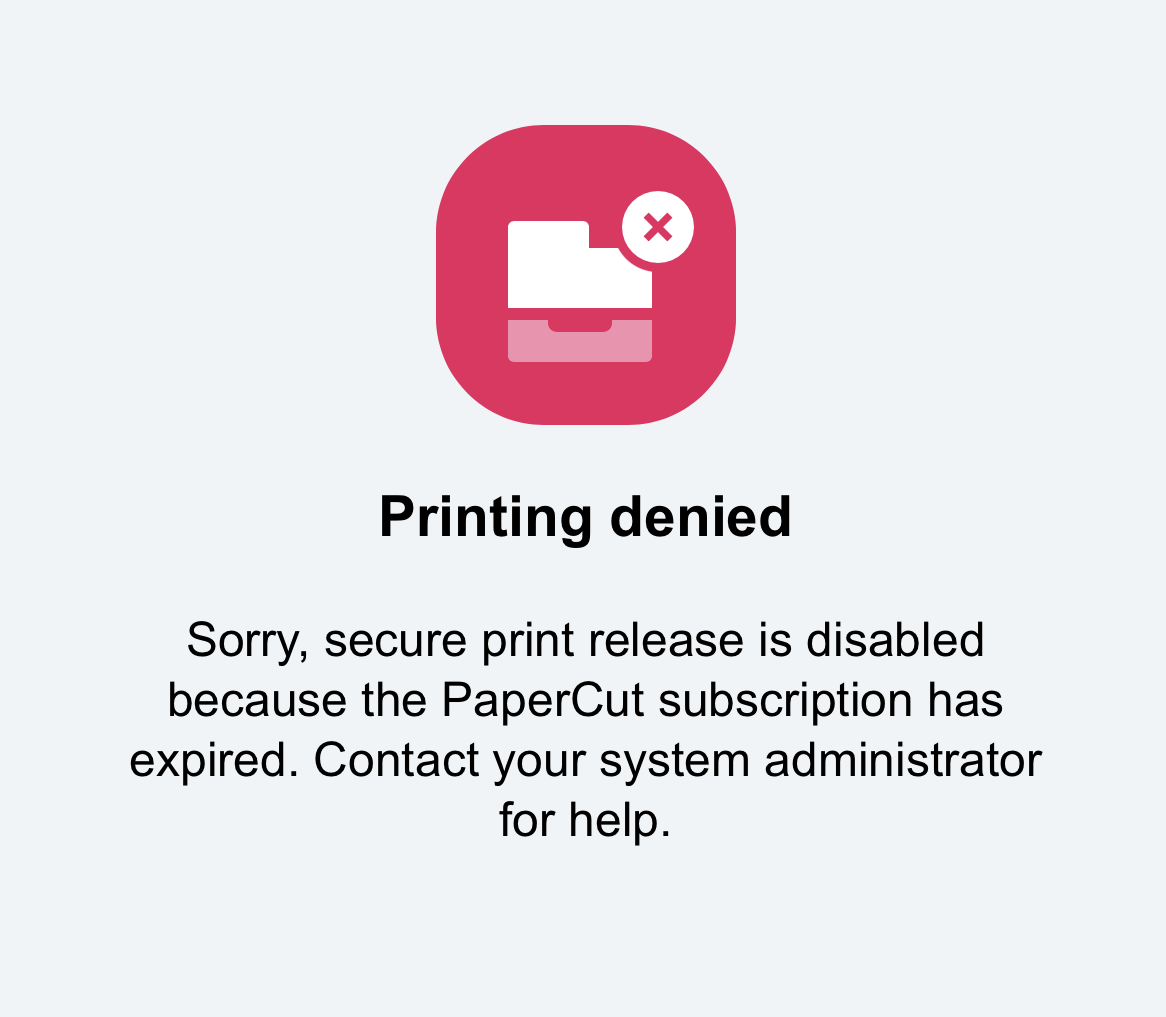
They won’t be able to print again until the subscription is renewed.
What can users still do after a subscription has expired?
Users can still:
- print via USB
- perform all native device functions such as copying and native scanning
- use other PaperCut functionality, for example, integrated scanning, and card self-association.
How to find out if your organization’s subscription is about to expire or has expired
As your organization’s subscription approaches the expiry date, you’ll receive emails and see banner notifications in the PaperCut Hive or Pocket admin console. For more details, head over to About subscriptions and trials for PaperCut Hive and Pocket.
To keep your print environment running smoothly
- Make sure your subscription is renewed before the expiry date.
- Set a calendar reminder a month before your renewal deadline.
- Keep your PaperCut partner (or us) in the loop!
Comments
Comments are not available in this preview environment. On papercut.com, this space shows the live Disqus comment thread for this page.