




By default, PaperCut NG/MF automatically synchronize the user and group information each night, however, the sync process can also be initiated manually. To initiate a manual sync:
-
Select Options > User/Group Sync. The User/Group Sync page is displayed.
-
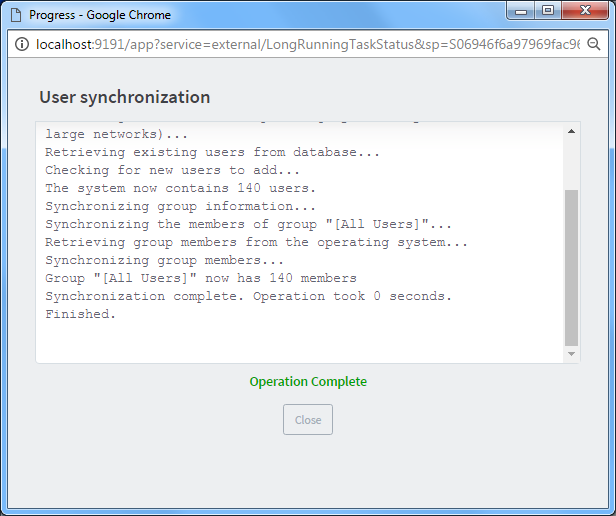
Click Synchronize Now. The sync process starts and a status window is displayed showing the status of the sync process.
Comments
Comments are not available in this preview environment. On papercut.com, this space shows the live Disqus comment thread for this page.