



To view details for a specific order, click the order in either the Workflow view or Order List view.
The following details are displayed for each order:
- Files - a list of all files attached to the order.
- Customer - the name and email address of the customer, along with the cost for the order and the account which is charged.
- Document details - The selected settings for the print job.
- Finishing - The selected settings for the document finishing, such as binding or lamination.
- Delivery & Instructions - The delivery method and details.
- Comments - The customer and operator comments (white) and internal notes (yellow) recorded by the operator.
- Status - The Workflow status of the order.
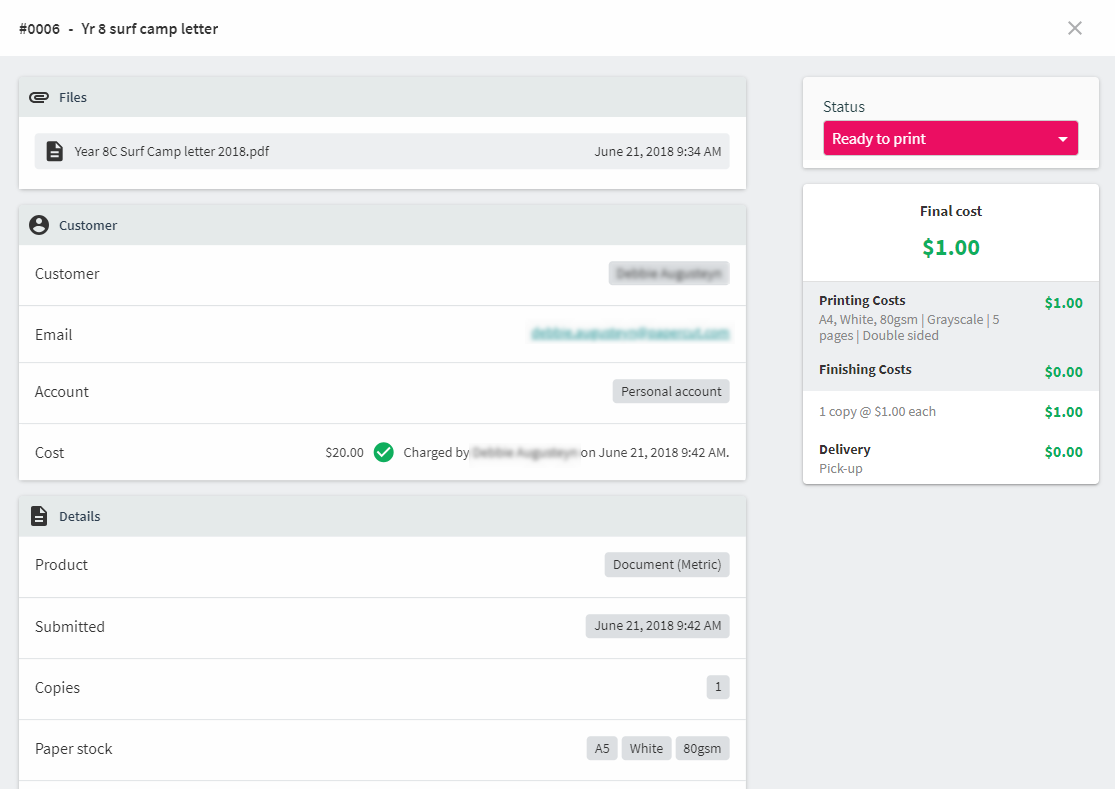
An example of viewing details for an individual order.
Comments
Comments are not available in this preview environment. On papercut.com, this space shows the live Disqus comment thread for this page.