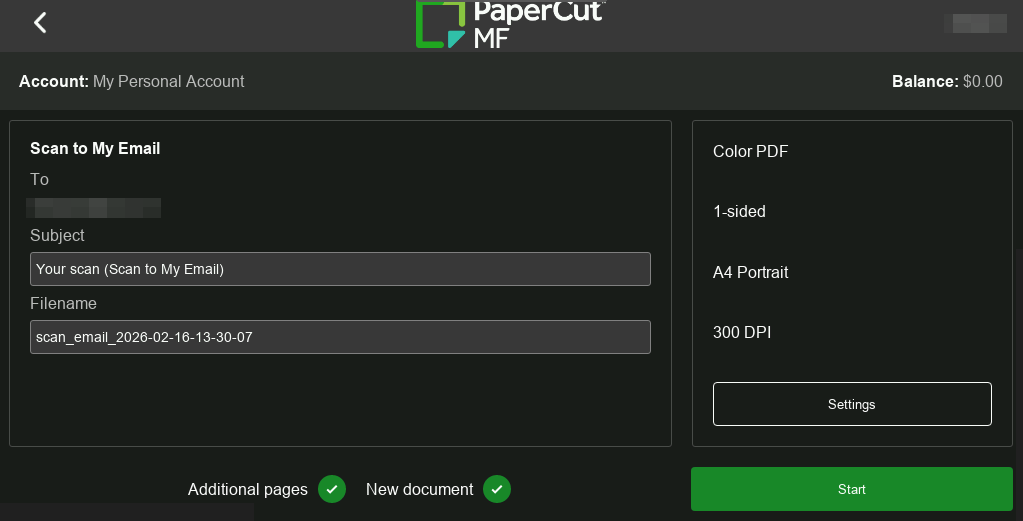
MF embedded - Modern UI
Get Started
Percolator testing is now open, read open for instructions on how to enable. Please provide feedback after testing via the feedback form.
Overview
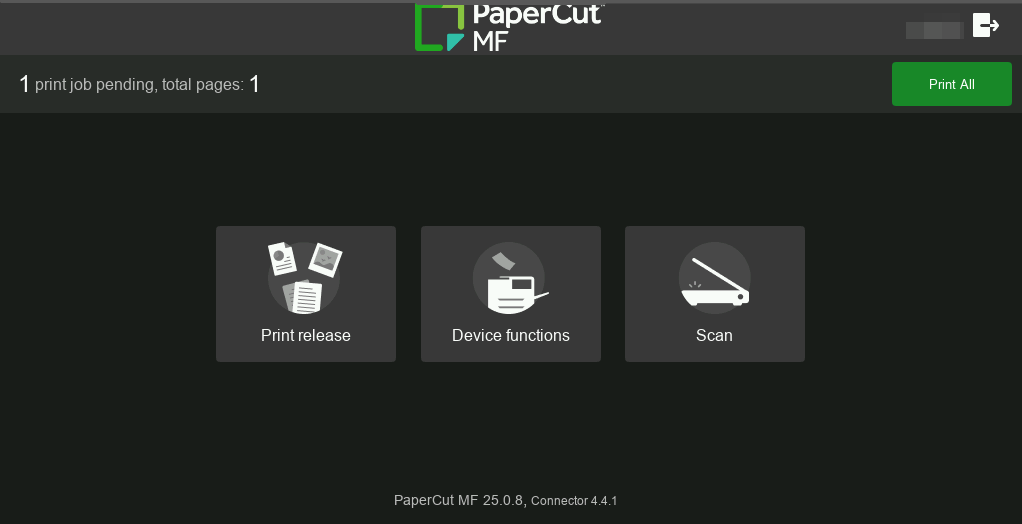
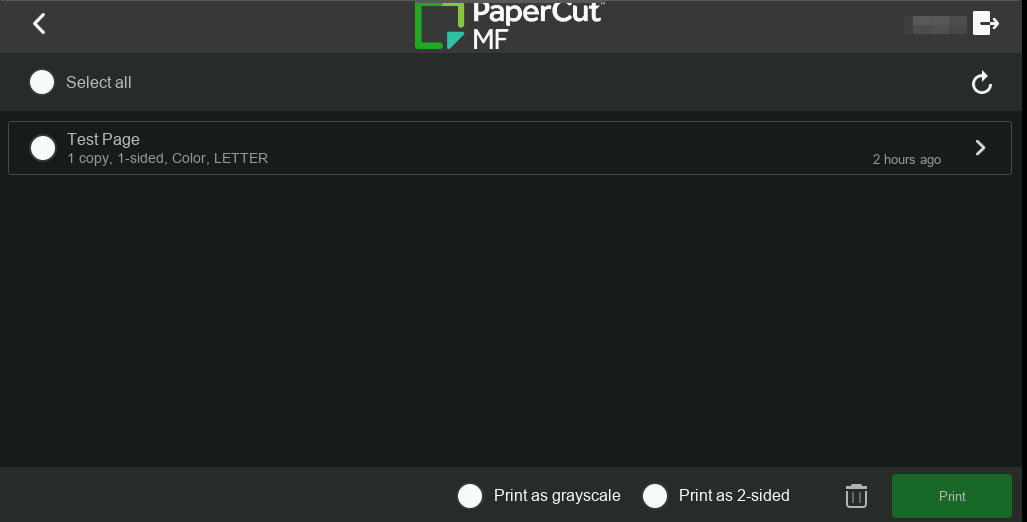
We’re thrilled to announce a new modern look to refresh the user interface (UI) of our PaperCut MF embedded printer applications, now available in Percolator.
We took inspiration from the clean, intuitive design of our next-generation cloud platform, PaperCut Hive, and brought a similar elegance and simplicity directly to your PaperCut MF apps.
Key benefits
This refresh is about more than just aesthetics. It’s an upgrade that delivers tangible benefits:
- Future-Proofing Your Fleet: This modern UI makes your entire print fleet feel cutting-edge, ensuring that PaperCut MF remains at the forefront of print management solutions.
- A Seamless Cloud Transition: For organizations on the path to the cloud with PaperCut Hive, this refresh aligns the MF interface with the look and feel of Hive. We’re creating a familiar experience that bridges the gap between PaperCut MF and PaperCut Hive, allowing users to feel comfortable when making the transition with no extra training.
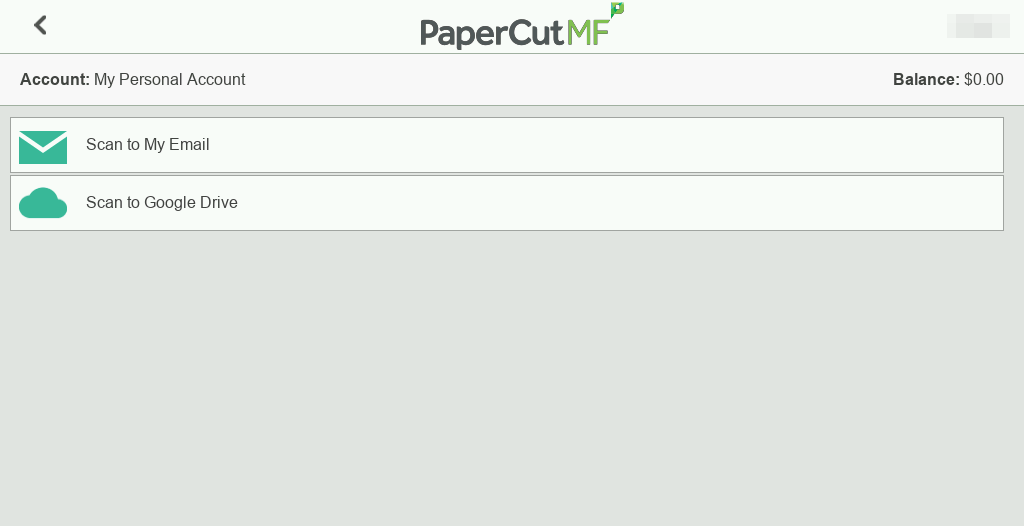
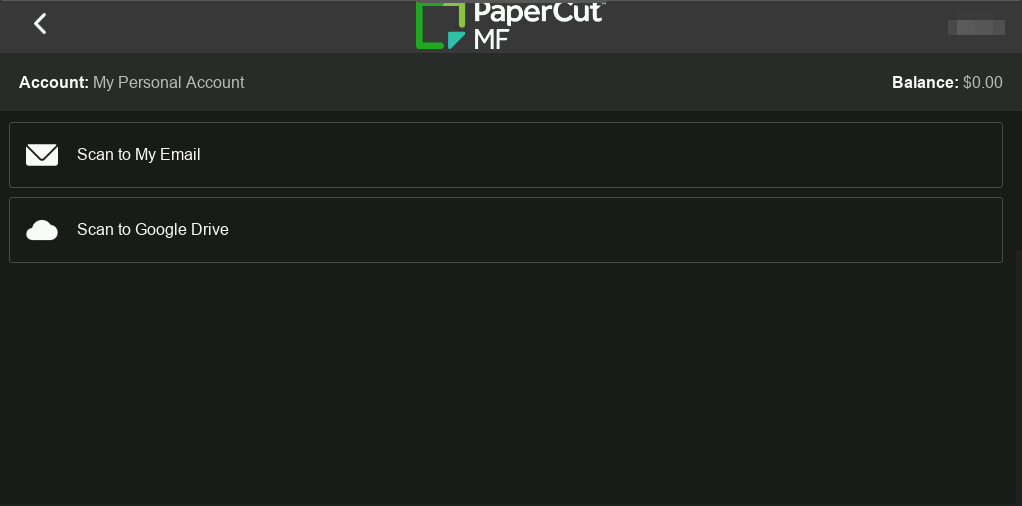
- Effortless Interaction: We redesigned the apps to be truly intuitive. You’ll find a clean layout where essential functions are easy to find and navigate. Crisp iconography and improved readability ensure clarity on every screen. We want every interaction to be quick, clear, and confident, making your day-to-day even easier.
Which Brands support the new UI?
Immediately available for testing on the following Brands:
- Canon
- Sharp
- Toshiba
- Xerox
- Fuji Xerox
- Fujifilm
- Konica Minolta
Modern UI is currently only available on the PaperCut developed common web services embedded apps list above, and not available on Ricoh, Kyocera, Lexmark, Brother (or white labels of these brands), or any 3rd party developed embedded apps. A new Ricoh embedded application is currently in development utilizing the common web services, which will support the new UI, and will be available in 2026.
How to enable the Modern UI for PaperCut MF
After installing PaperCut MF 25.0.8, to enable, please follow the steps below:
-
Open a command prompt as administrator and navigate to the server command directory in the Install location.
Example
[Install directory]\Server\bin\win -
Enter the following command, which will activate the new modern UI theme for all devices
server-command set-config ext-device.ui.theme MODERN -
To revert to the classic mode, run the same command and change to ‘CLASSIC’
server-command set-config ext-device.ui.theme CLASSIC
Since this is a preview feature, our standard Support team isn’t equipped to handle UI feedback yet. To ensure your thoughts reach our developers directly, please do not contact PaperCut Support. Instead, share your experience via our feedback form.
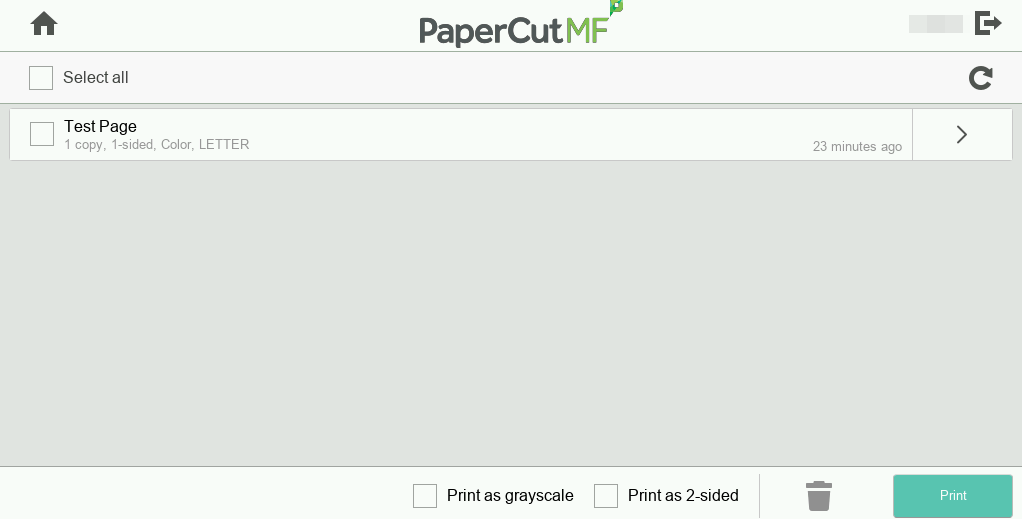
Example screenshots
Login screen
Before
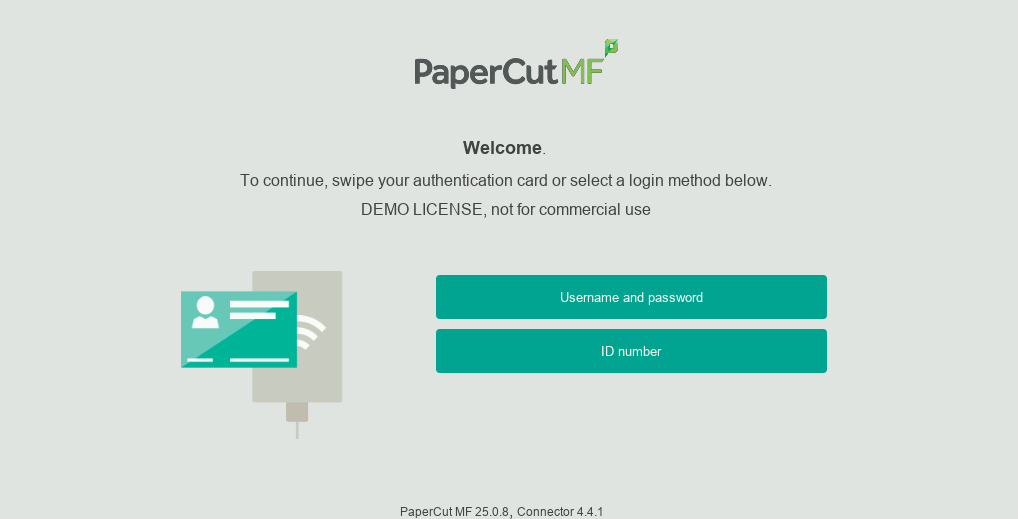
After
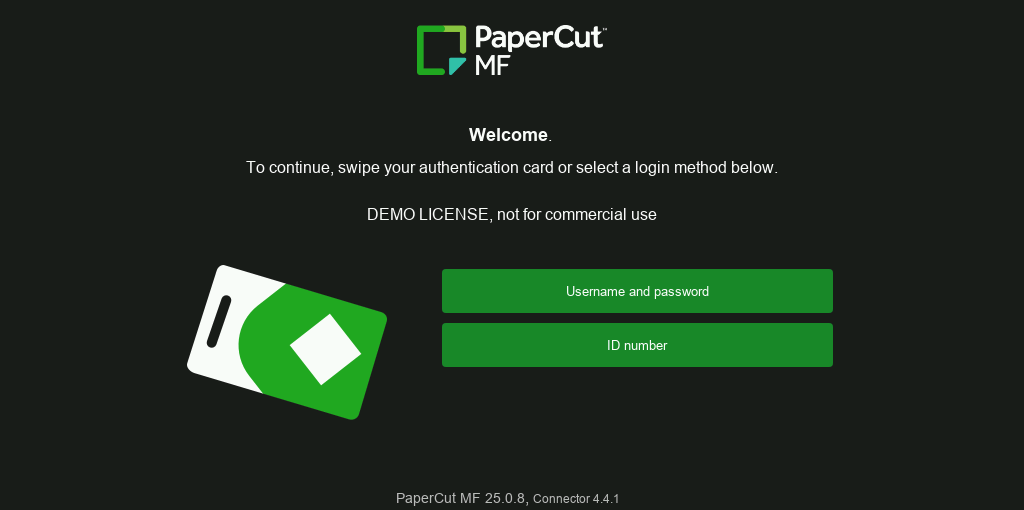
Home screen
Before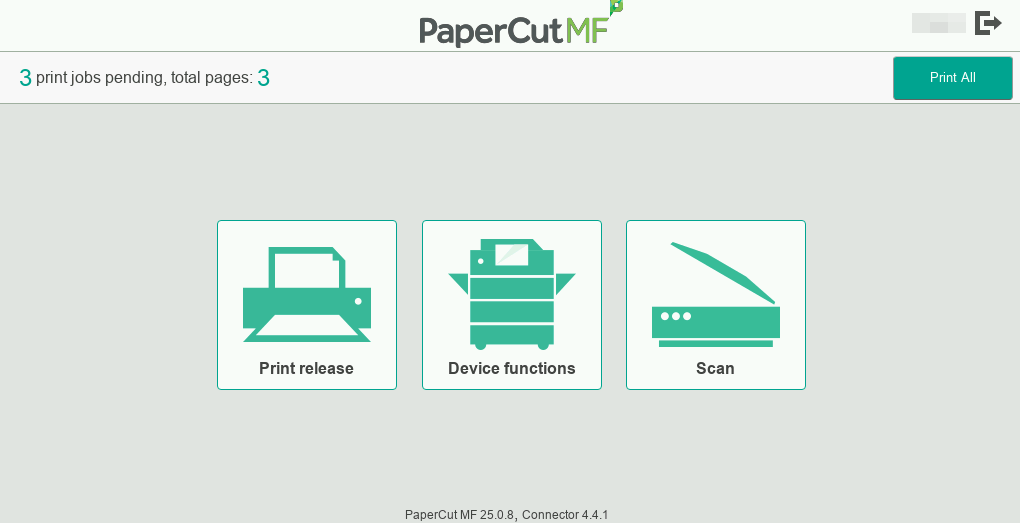
After
Print release
Before
After
Integrated scanning
Before
After
Scan settings
Before
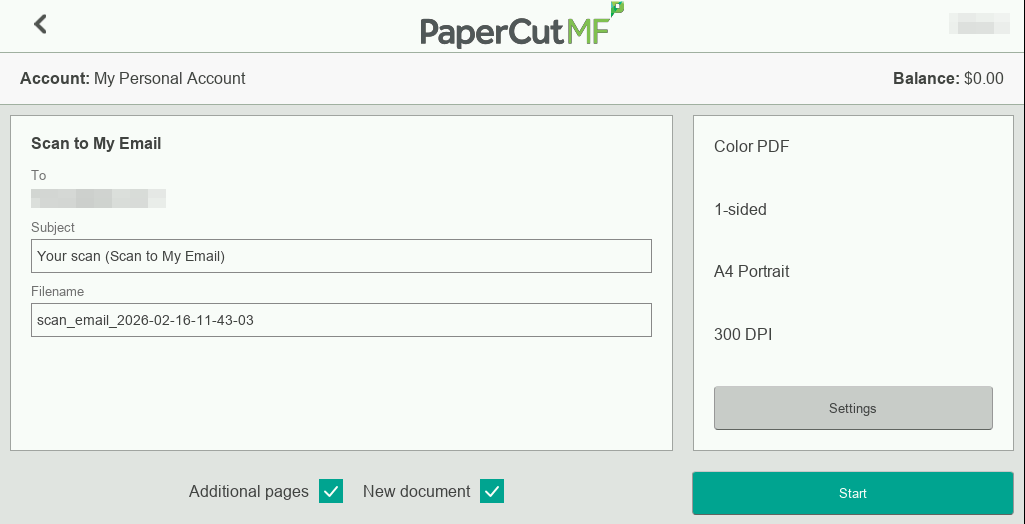
After