





Pull Delivery for PaperCut Hive

Overview
Are you an IT admin struggling to enable Find-Me Printing in a complex or segmented network environment? Pull Delivery in PaperCut Hive is designed just for you!
This feature is perfect for organizations that meet one or more of the following criteria:
- Want to avoid requiring a print server or appliance.
- Organizations that want jobs to be stored in the cloud and the printer to directly pull the print job at the time of release.
- Require secure HTTPS (Port 443) delivery..
- Operate in hybrid environments where the availability of client devices is not guaranteed.
The basics: Shift from Push to Pull
Traditional printing workflows rely on the end user’s computer to process and push print jobs directly to the printer, often using protocols such as RAW 9100 or IPP. These methods present challenges:
- RAW 9100 transmits print jobs in plain text.
- Client machines need a line of sight / network route to the printer.
- Reliance on an always-on client or print server where client availability is uncertain adds an infrastructure burden.
PaperCut Hive’s Pull Delivery option eliminates these inefficiencies by shifting from a push-based model to a pull-based approach. Multifunction Devices running the PaperCut Hive Full Embedded app (MFDs) retrieve print jobs on demand directly from the PaperCut Hive Cloud Node.
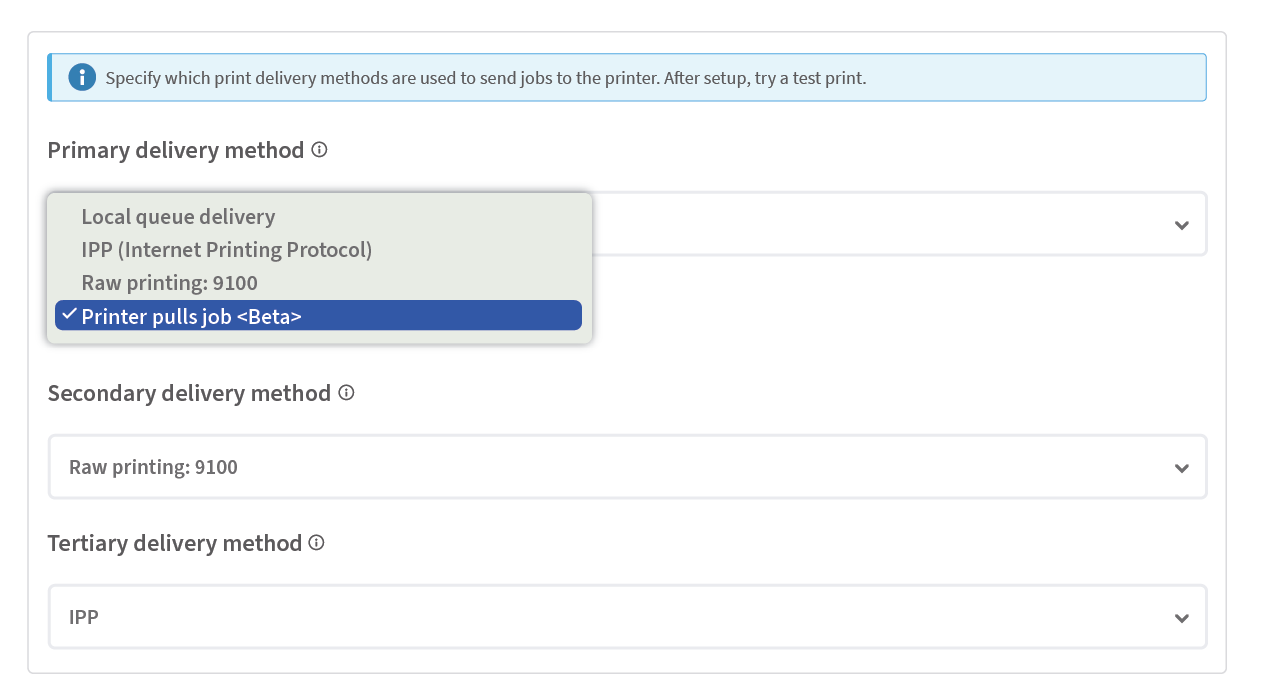
Pull Delivery is configured on a per-printer basis, under Advanced printer configuration > Print protocol. Please note, this option is only available on supported manufacturers and models, where the Full Embedded app has already been installed.
Print Job Flow (Pull Delivery)
- A user sends a print job from their device.
- The job is replicated to the PaperCut Hive Cloud Node.
- At the time of release, the MFD securely downloads the print job over a 443 connection from the PaperCut Hive Cloud Node.
- The job is processed and printed by the MFD.
Diagram showing the flow after a user has released a print job where the Printer pulls the job from the PaperCut Hive Cloud Node:

The build and rollout plan
Brand support
Brand | Status |
Lexmark | Available now (public beta) |
Kyocera | Available now (public beta) |
Ricoh | Available now (limited beta) |
Sharp | Available now (limited beta) |
Fujifilm | In progress |
Toshiba | In progress |
Xerox | Next |
HP | Next |
Canon | Later |
Konica Minolta | Later |
Epson | Later |
Cloud Node requirements
- Our Pull Delivery feature uses the PaperCut Hive Cloud Node to store print jobs. You need to enable this option in the PaperCut Hive admin console to use this new delivery method.